
Access a growing library of advisor-tested templates.
Created by real advisors, vetted by your team, ready to customize and use.
The Problem
Every advisor knows the frustration of starting from zero, or worse, trusting something generic.
BEFORE COMMUNITY FORMS

Takes hours, and results still need compliance review
Inconsistent, outdated, missing required fields
Not tailored to Canadian advisors or your practice

AFTER COMMUNITY FORMS

Real advisors built and tested it in their own practice
Multi-tier review means nothing slips through
Share your best work and protect your IP
Why Community Forms?

Access a growing library of templates built by advisors like you, including intake forms, engagement letters, fact-finders, and more.

Every published form goes through MGA → Team → Principal Advisor → Admin, ensuring quality you can rely on.

Published forms are read-only snapshots. You retain full ownership - no one can edit or copy your original.

Reuse proven forms instead of starting from scratch. A better practice doesn't have to mean more hours at the desk.
The Library
Browse templates by category, filter by use case, and save to customize for your practice in minutes.
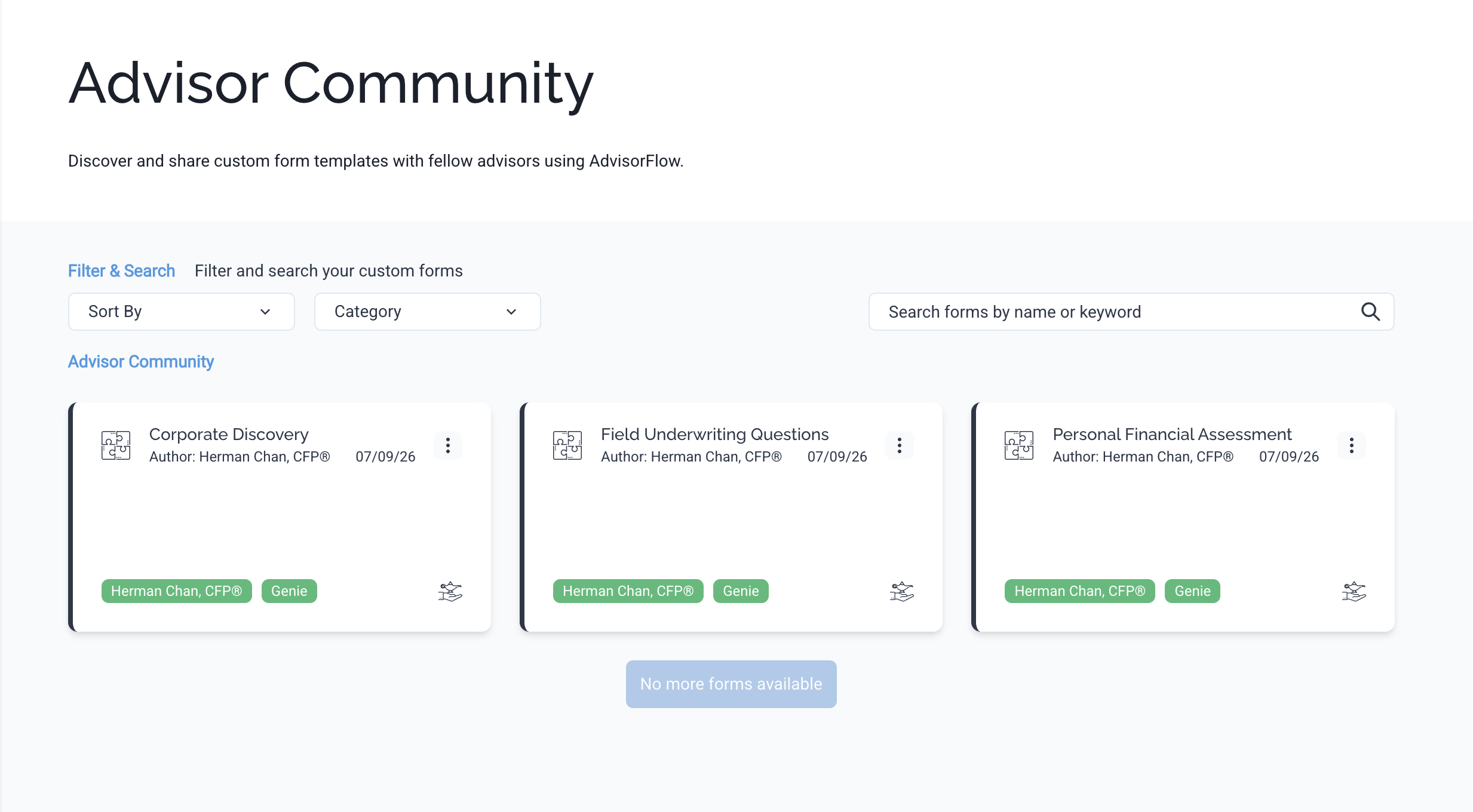
See It In Action
01
To upload your own forms, migrate documents through Form Genie. Upload an existing PDF, and watch it become an editable, client-ready workflow in moments.
02
Find a form from Communities you love? Add a copy into your own Custom Forms intantly.
03
Follow our approval workflow to share a form into Community Forms.
For individual advisors, forms undergo approval by AdvisorFlow.
For advisor teams, forms route from the team to Principal Advisor before they go live.
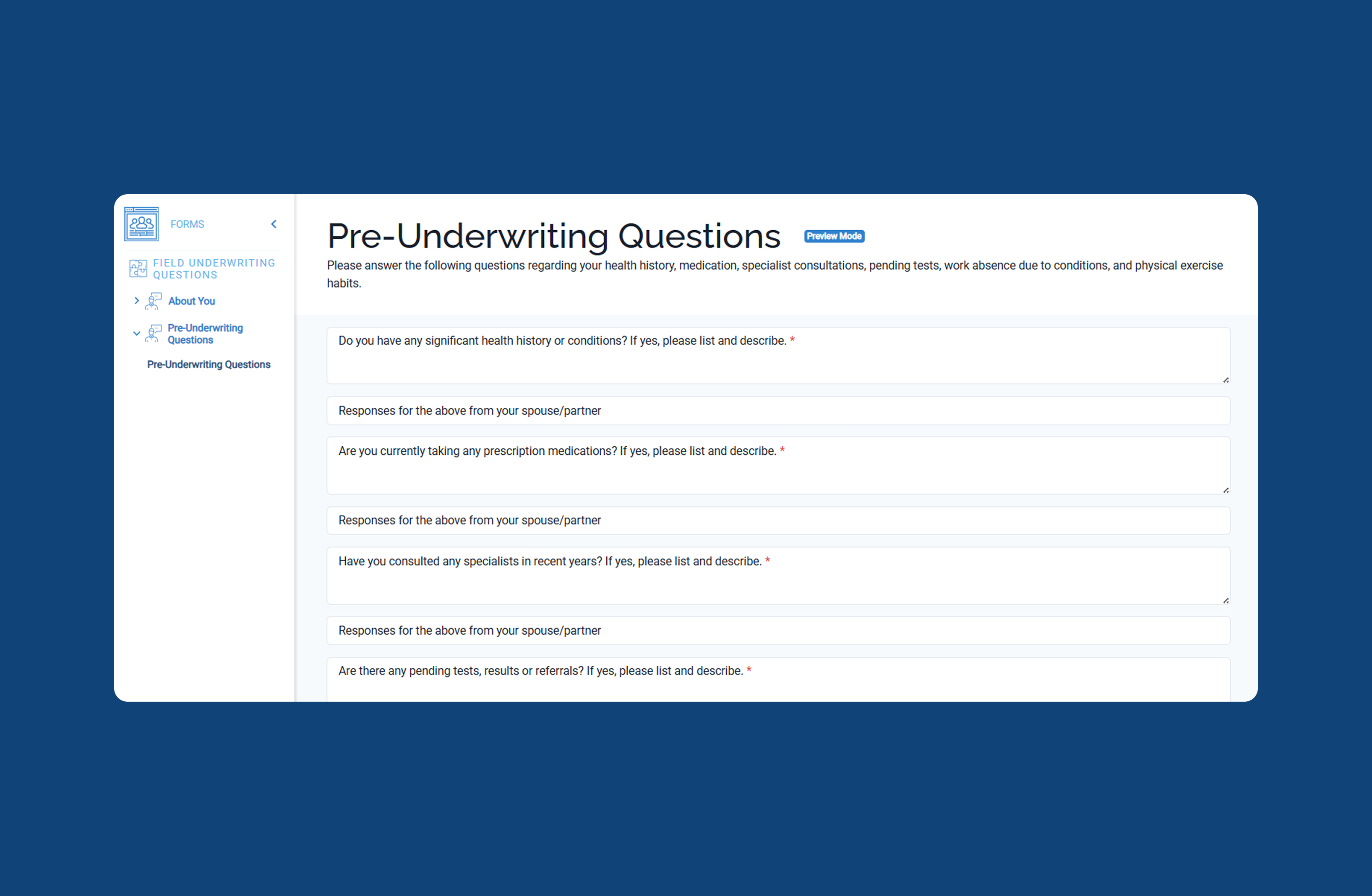
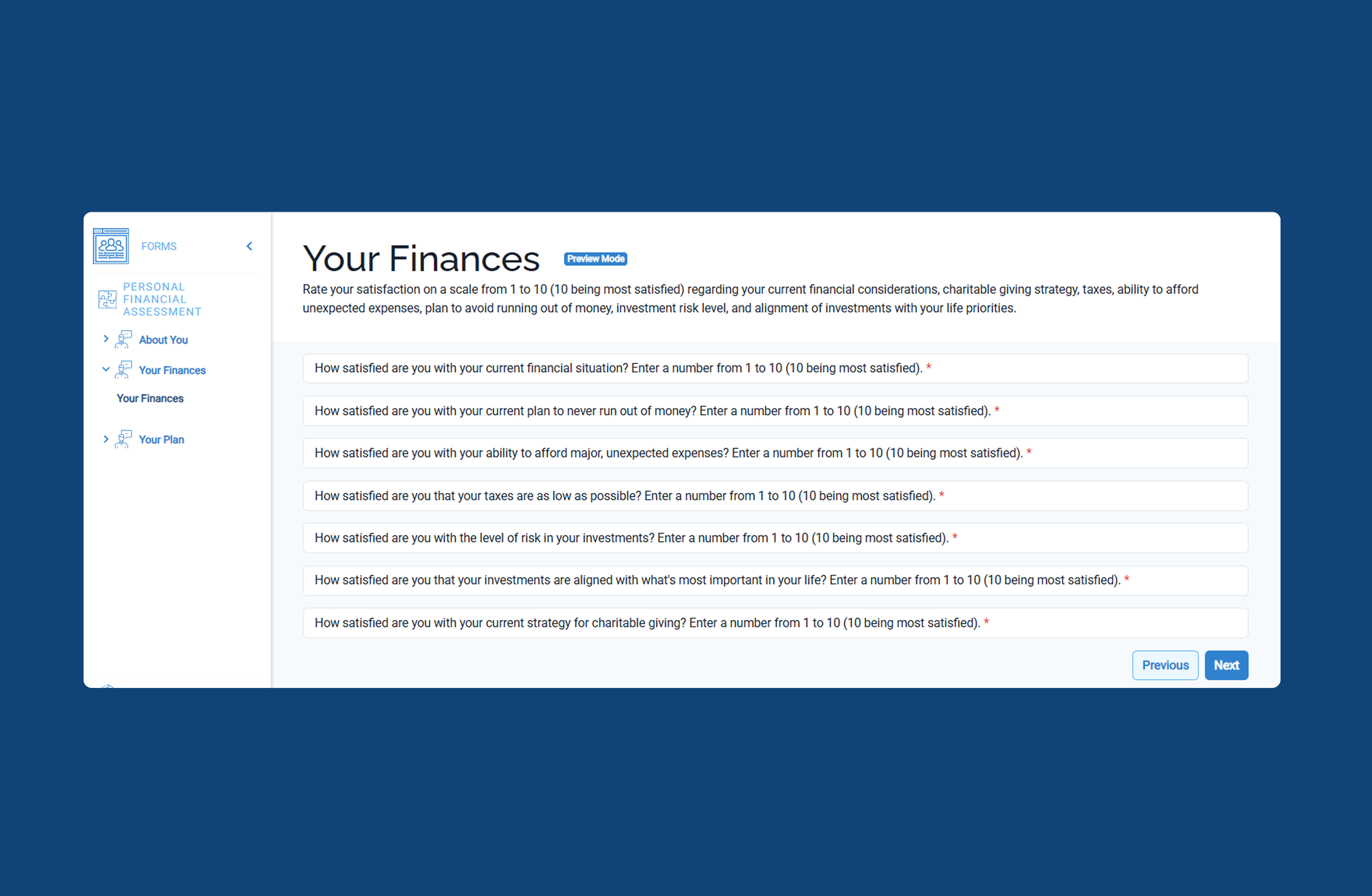
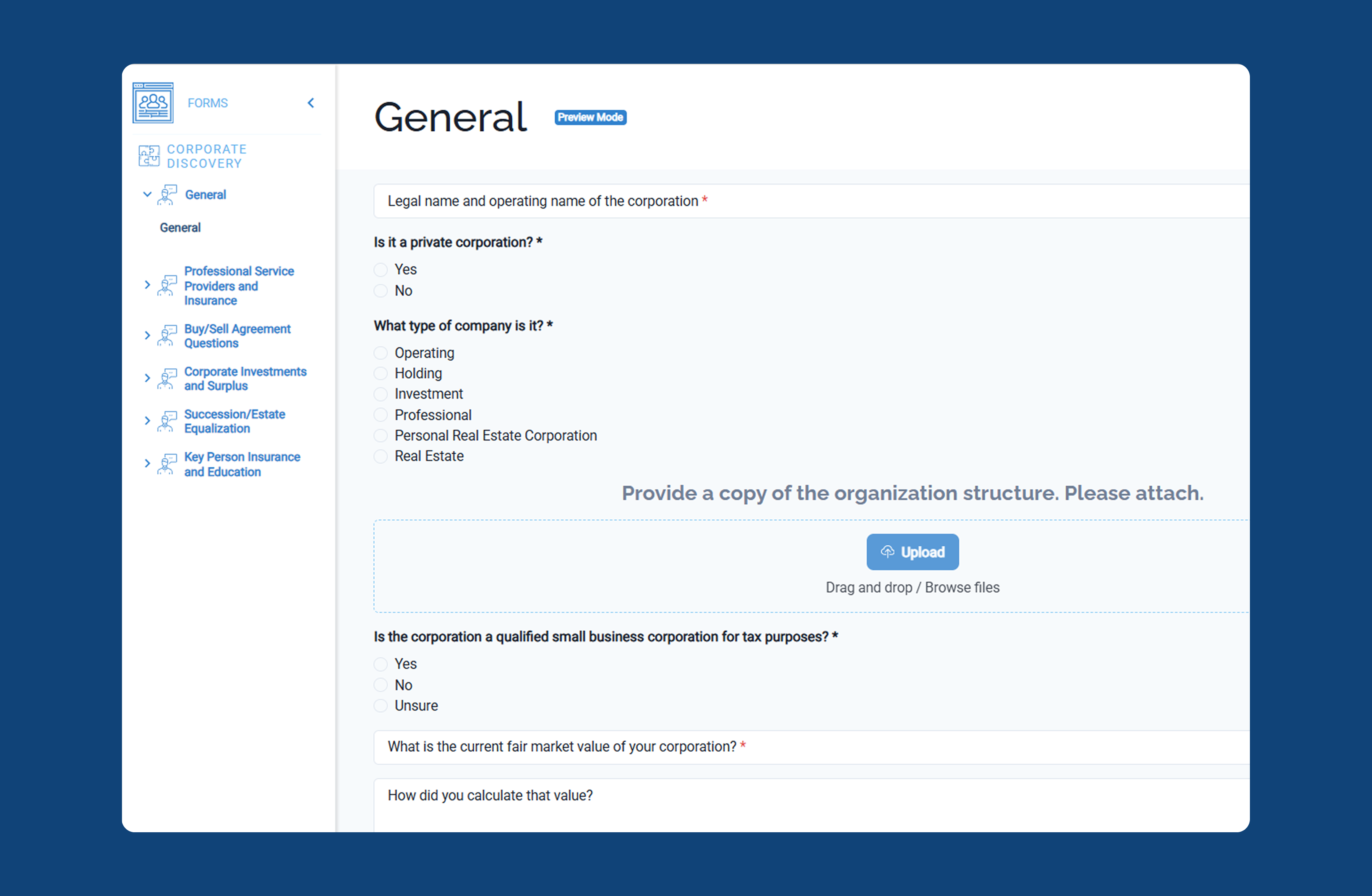
Featured by the Community

Ready to Adopt?
We’ll reach out for a 20-minute demo and walk you through the library, show you how to publish your first template, and answer any questions you have.


